Introduction
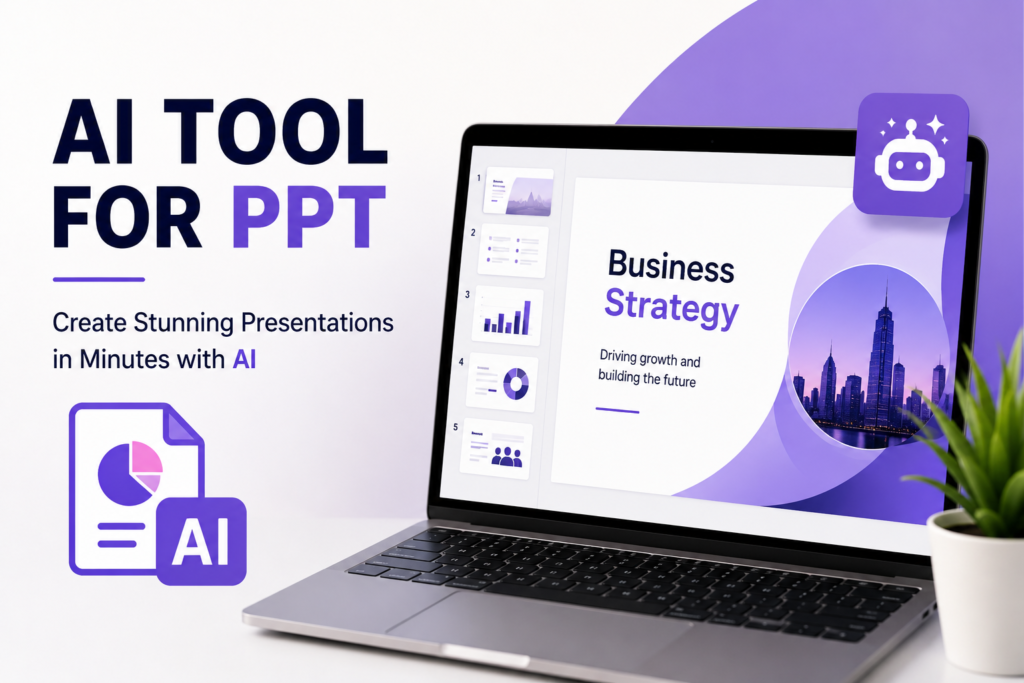
Presentations have become an important part of education, business, marketing, and professional communication. Earlier, creating a professional PowerPoint presentation required hours of writing, designing, formatting, and arranging visuals manually. Today, with the help of an AI tool for PPT, users can create modern & professional presentations within minutes.
AI-powered presentation tools are transforming workflow by automating slide creation, content generation, layout design and visual formatting. These tools are useful for students, teachers, marketers, businesses, startups, freelancers, and corporate teams.
Whether you are preparing a college assignment, business proposal, marketing report, webinar presentation, or investor pitch, AI presentation software can save time and improve presentation quality.
What Is an AI Tool for PPT?
An AI tool for PPT is software powered by artificial intelligence that helps users create presentations automatically or semi-automatically. Instead of designing every slide manually, users simply enter a topic or short prompt & the AI generates structured slides with content, layouts, and visuals.
These tools use technologies like machine learning and natural language processing to understand topics and generate relevant presentation material.
Most AI presentation makers can:-
- Create slide structures.
- Generate presentation content.
- Suggest layouts and themes.
- Add graphics and visuals.
- Create charts and summaries.
- Improve overall design quality.
The main goal of these tools is to simplify the creation of presentations while maintaining professional quality.
Why AI Presentation Tools Are Popular
AI presentation software is becoming increasingly popular because it reduces manual work and improves productivity.
One major advantage is time-saving. A presentation that normally takes several hours can now be created within minutes using AI automation.
Another reason is design quality. Many users do not have graphic design experience, but AI tools automatically apply professional layouts, spacing, typography, and visual hierarchy.
AI tools also help users focus more on communication and ideas rather than spending time adjusting slides manually.
Additionally, these tools are beginner-friendly, making professional presentation creation accessible even for non-designers.
How AI PPT Tools Work
AI presentation tools work by analysing user prompts and generating presentation structures automatically.
For example, if a user enters a topic like “Digital Marketing Strategy,” the software creates slide titles, summaries, layouts, and visual suggestions based on that topic.
Most AI tools include:
- AI-generated content
- Smart templates
- Design automation
- Visual recommendations
- Collaboration tools
- Export options for PowerPoint and PDF
Some advanced platforms also include AI image generation and storytelling support.
Best AI Tool for PPT in 2026
Tome AI
Tome AI is one of the most advanced AI presentation makers available today. It focuses heavily on storytelling and visual communication.
Users can create complete presentations simply by entering a prompt. Tome AI automatically generates slides, structures content, and adds visuals.
It is widely used for startup pitches, educational presentations, and business reports because of its clean and modern presentation style.
Canva AI Presentation Maker
Canva AI is one of the most popular AI-powered design platforms. It allows users to create presentations using drag-and-drop editing and AI-generated templates.
Canva is especially useful for students, marketers, and freelancers because of its simple interface and professional designs.
The platform also provides animations, stock visuals, icons, and branding features that improve overall presentation quality.
Beautiful.ai
Beautiful.ai focuses mainly on professional business presentations. The software automatically adjusts slide layouts and formatting to maintain visual consistency.
Businesses use Beautiful.ai for investor presentations, sales reports and client proposals because it simplifies professional presentation design.
Microsoft Copilot for PowerPoint
Microsoft Copilot integrates artificial intelligence directly into PowerPoint. It can generate content, summaries, and design recommendations automatically.
This tool is especially useful for professionals who already use Microsoft Office regularly.
Gamma AI
Gamma AI is designed for modern and interactive presentations. Unlike traditional PowerPoint slides, Gamma provides a more dynamic & web-style presentation experience.
It is commonly used by startups, creative teams and marketers for visually engaging presentations.
Visme AI
Visme AI is a powerful visual presentation and infographic platform that helps users create professional slides with charts, graphs, and interactive elements.
It is commonly used for educational presentations, marketing reports, and business analytics because of its strong data visualisation features.
Simplified AI
Simplified AI is an all-in-one content creation platform that also includes AI presentation-making features.
It helps users generate presentation content, design layouts, and create branded slides quickly. Marketing agencies and social media teams commonly use Simplified for fast workflow management.
Prezi AI
Prezi AI is famous for its unique zooming presentation style that makes presentations more interactive and engaging.
Unlike traditional slides, Prezi creates dynamic movement between topics, making it useful for storytelling, education and business presentations.
Popular AI Tools for PPT and Their Uses
Here are some of the most useful AI presentation tools along with their features and ideal use cases:
- Tome AI – Best for storytelling presentations and startup pitches. It automatically creates presentation structures, adds visuals, and generates content from simple prompts. Useful for business presentations, educational topics, and investor decks.
- Canva AI – Best for students, marketers, and beginners. Canva AI provides ready-made templates, drag-and-drop editing, animations, and branding features. It is useful for classroom projects, marketing presentations, and social media reports.
- Beautiful.ai – Best for professional business presentations. It automatically adjusts layouts and formatting to maintain visual consistency. Useful for sales reports, client proposals and corporate presentations.
- Microsoft Copilot for PowerPoint – Best for Microsoft Office users. It helps generate slide content, summaries, and design suggestions directly inside PowerPoint. Useful for office meetings, business reports and enterprise workflows.
- Gamma AI – Best for interactive and modern presentations. Gamma creates web-style dynamic presentations that are visually engaging. Useful for creative agencies, startups, and digital marketing teams.
- Visme AI – Best for data visualisation and infographic presentations. It helps users create charts, graphs, and interactive visuals easily. Useful for analytics reports, educational presentations and business dashboards.
- Simplified AI – Best for marketing teams and content creators. It combines AI writing and presentation creation in one platform. Useful for campaign reports, branded presentations, and social media strategy decks.
- Prezi AI – Best for interactive storytelling presentations. Its zooming interface makes presentations more engaging compared to traditional slides. Useful for teachers, trainers, and business speakers.
Benefits of Using AI Tool for PPT
One of the biggest advantages of AI presentation software is faster workflow management. Users can create professional presentations much more quickly compared to traditional methods.
AI tools also improve presentation quality by automatically applying professional design principles such as balanced layouts, proper typography, spacing, and visual consistency.
Students benefit because they can prepare assignments, seminar presentations, and project slides more efficiently. Businesses benefit because teams can create reports and proposals without depending heavily on designers.
Another important benefit is collaboration. Many AI presentation tools support cloud-based editing where multiple users can work together in real time.
AI-powered presentation makers also reduce creative blocks by generating content ideas, structures, and visual suggestions.
AI Tools for PPT for Students
Students are among the largest users of AI presentation software because presentations are now a common part of academic learning.
AI tools help students quickly and professionally create project reports, classroom presentations, seminar slides and assignments.
Canva AI is widely preferred because of its beginner-friendly interface and attractive templates. Tome AI is useful for storytelling and academic explanations, while Gamma AI helps students create more modern & interactive slides.
These tools save time and help students improve communication and presentation skills.
AI Presentation Tools for Businesses
Businesses use AI presentation tools for sales pitches, marketing campaigns, client proposals, analytics reports, and investor meetings.
AI software helps companies automate presentation workflows & maintain a consistent professional brand across all slides.
Platforms such as Beautiful.ai, Microsoft Copilot, Canva AI, and Visme are commonly used in business environments because they support collaboration, branding, and professional templates.
AI presentation software has become an important part of modern business communication and productivity.
AI PPT Tools for Marketing
Marketing teams regularly create presentations for SEO reports, campaign analysis, advertising strategies, and client communication.
AI presentation software simplifies this process by automatically generating layouts, visuals, charts, and presentation structures.
Tools like Canva AI, Gamma AI, and Simplified are especially useful for marketers because they support storytelling, branding, and creative workflows.
AI-generated visuals also improve audience engagement and communication quality.
Limitations of AI Presentation Tools
Although AI presentation tools provide many advantages, they also have some limitations.
AI-generated content may sometimes feel generic or repetitive if users do not properly customise the output.
Another limitation is the lack of human creativity and emotional understanding. AI can assist with design & structure, but strong storytelling still requires human input.
Users should also verify AI-generated information because some tools may provide inaccurate or outdated data.
Additionally many advanced AI presentation platforms require premium subscriptions for full access.
Future of AI Tool for PPT
The future of AI presentation software looks highly promising. AI tools are becoming smarter, faster, and more interactive.
Future innovations may include voice-controlled presentation creation, automated narration, AI-generated videos, real-time audience analysis, and personalised presentation recommendations.
As artificial intelligence continues to evolve, AI tools for PPT will become even more advanced and valuable across education, business, and marketing industries.
Final Thoughts
AI presentation tools are transforming the way people create presentations. From students preparing academic projects to businesses creating investor pitches, AI-powered PPT tools help users save time, improve design quality, and increase productivity.
Modern AI presentation makers combine automation, content generation, visual design, and collaboration into one streamlined workflow.
However, while AI can automate many tasks, human creativity & communication skills still remain essential for creating impactful presentations.
The best results come from combining AI efficiency with human ideas and storytelling.
As technology continues to evolve, AI tools for PPT will play an even bigger role in modern communication and digital workflows.
Ans: An AI tool for PPT helps users create presentations automatically using artificial intelligence.
Ans: Canva AI, Tome AI, and Beautiful.ai are among the best AI presentation tools in 2026.
Ans: Yes, AI tools can generate slides, content, layouts, and visuals automatically from prompts.
Ans: Many AI presentation tools offer free plans with limited features.
Ans: Yes, AI tools improve layouts, typography, visuals, and overall slide quality.